Build any exam
in under 5 minutes.
Create MCQ, fill-in-the-blank, and essay exams with sections, time limits, and randomization. Pull questions from your question bank or type them manually. Share the exam via a simple link - students open it on any device.
How it works
Add questions. Set rules.
Share the link.
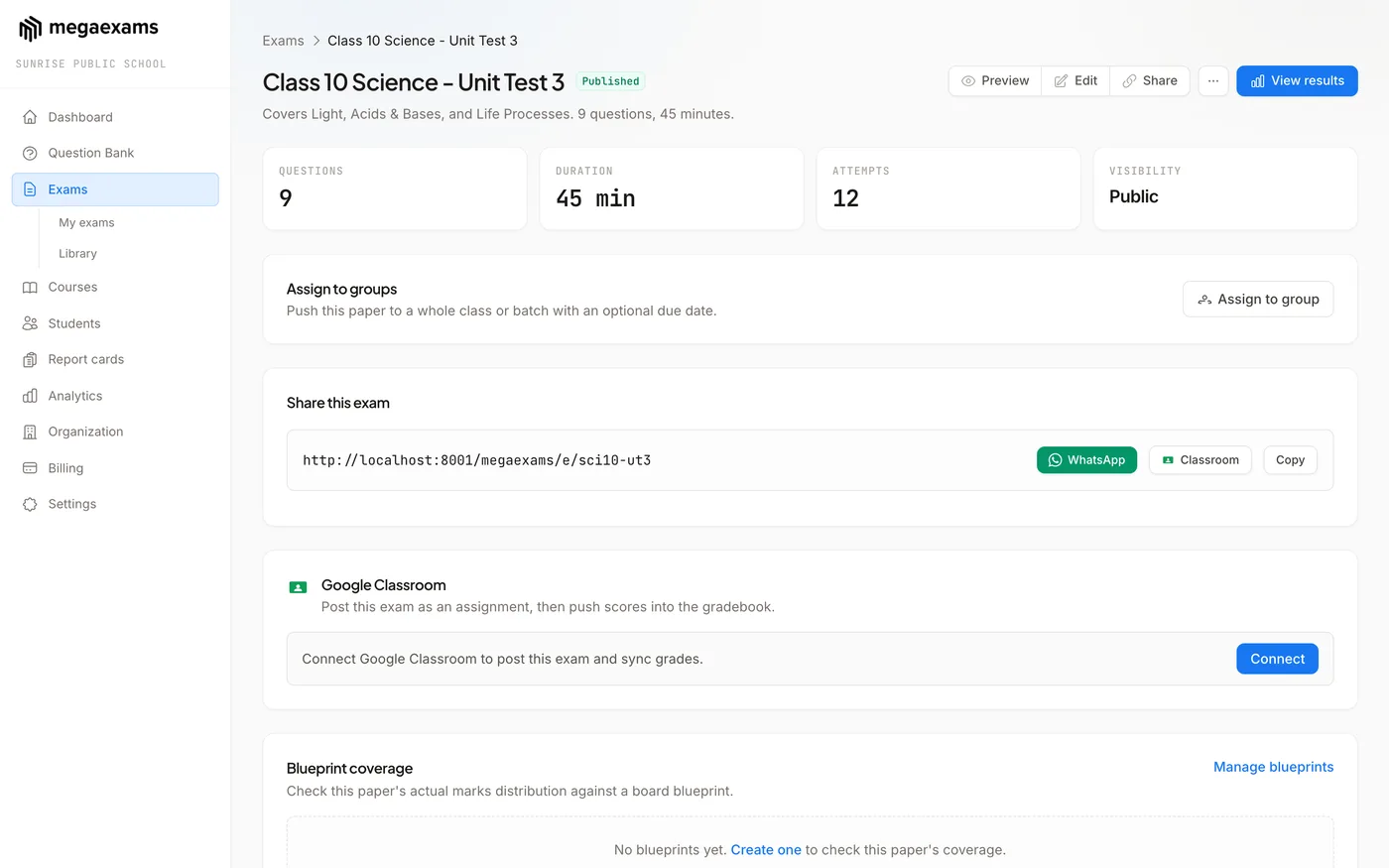
Create an exam, add questions manually or pull them from your question bank, set time limits and sections, and you get a shareable link. Students open the link on any device and start the exam. No app download, no student registration hassle - just a clean exam experience.
What you get
A complete exam builder
Multiple Question Types
MCQs (single and multi-correct), fill-in-the-blanks, and essay questions. Mix question types within a single exam. Set marks and negative marks per question.
Question Bank Integration
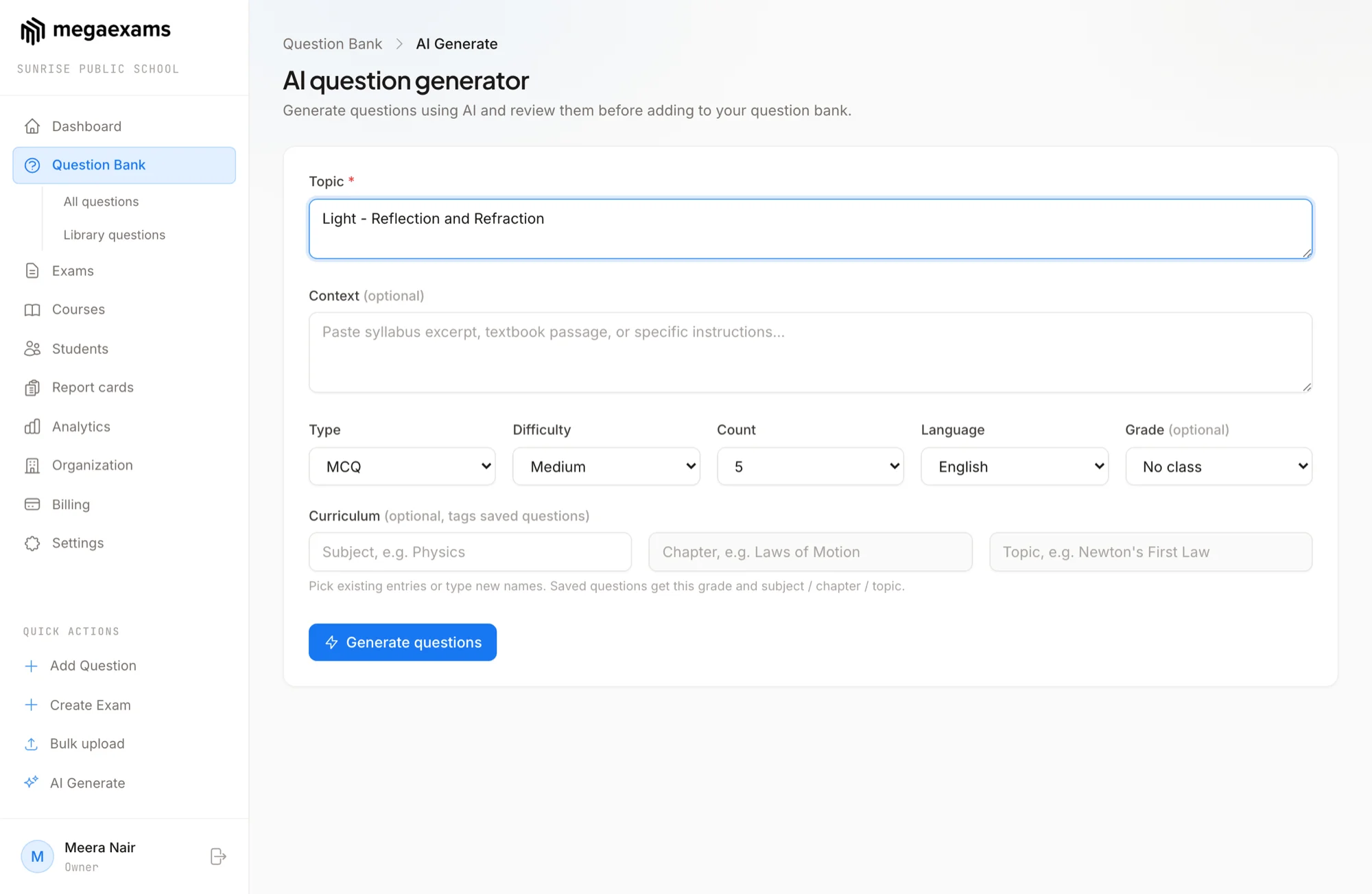
Pull questions from your question bank by subject, topic, or difficulty. Randomly select questions from a pool to create unique exam variants for different students.
One Link, Any Device
Every exam gets a unique link. Share it via WhatsApp, SMS, email, or your website. Students open the link on phone, tablet, or laptop - the exam adapts to their screen size.
Full control
Every exam setting you need
Sections
Divide your exam into sections - Physics, Chemistry, Maths. Set separate time limits, marking schemes, and question counts per section. Just like JEE and NEET patterns.
Time Limits
Set a total exam duration or per-section time limits. Students see a countdown timer. When time runs out, the exam auto-submits with whatever answers they've completed.
Randomization
Randomize question order, option order, or both. Every student sees questions in a different order, making it harder to copy from a neighbor.
Scheduling
Schedule exams to start and end at specific times. The exam link only works during the scheduled window. Late students can't access it after the window closes.
Instructions Page
Add custom instructions that students see before starting the exam. Include rules, marking scheme details, or any guidelines - in text or with formatting.
Question Images
Add images to questions and options. Essential for diagrams in Physics, structures in Chemistry, or graphs in Maths. Images display cleanly on all devices.
Common questions
Frequently asked questions
Build your first exam in 5 minutes
Create an exam, share the link, and watch results come in. Free forever. No credit card needed.
Explore more features