Anti-cheating tools for
online exams that actually work.
Detect tab switches, lock the paper in fullscreen, block copy and paste, take periodic webcam snapshots, and give every student a different paper. Then review one integrity score per attempt instead of guessing.
How it works
Three switches.
Set once per exam.
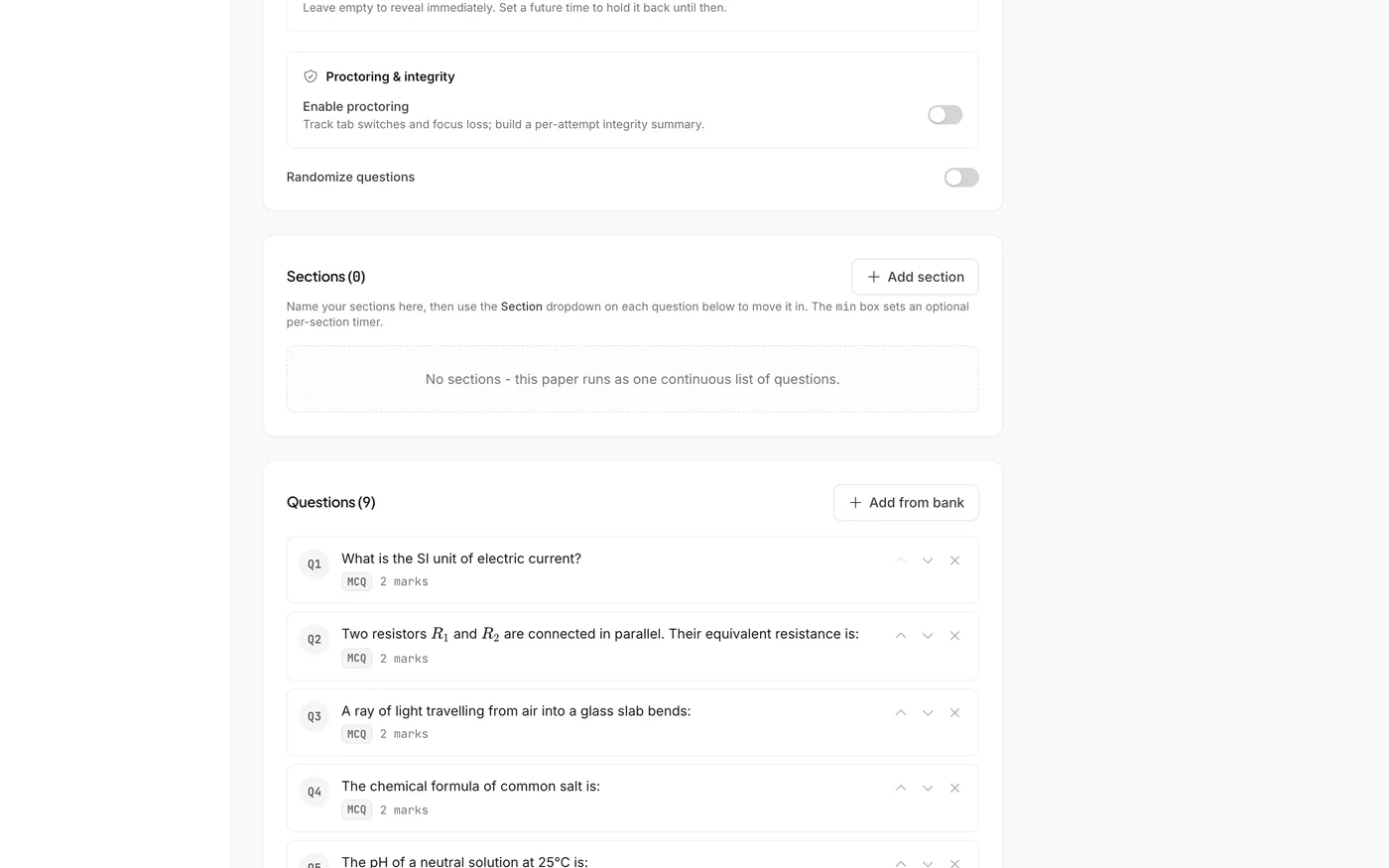
While creating an exam, turn on Proctoring. Add Lockdown mode to hold the paper in fullscreen and block copy, paste and right-click. Add Require webcam to capture periodic snapshots. Students are told the exam is proctored and see a warning each time something is recorded. After the exam, every attempt shows an integrity score and the evidence behind it.
The three core checks
Tab switches, fullscreen, webcam
Tab-switch detection
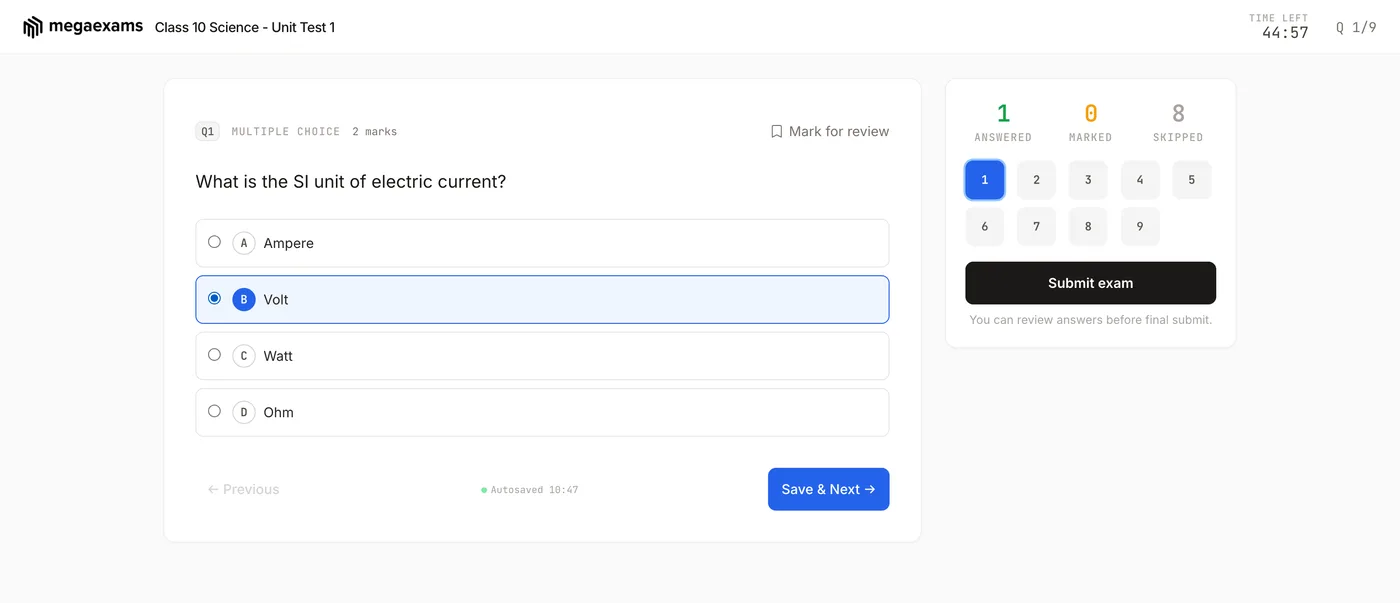
Every time a student leaves the exam - another tab, another app, a search engine - it is recorded with a time stamp, and the student sees a warning that it was recorded. Works on phones and computers.
Fullscreen lockdown
With Lockdown mode on, the paper opens only in fullscreen after one click, and is covered again the moment a student leaves fullscreen, until they return. Copy, paste and right-click are blocked. Phones cannot be locked by any browser, so on phones tab switches are recorded instead.
Webcam snapshots
With Require webcam on, the browser takes periodic snapshots during the attempt for you to review afterwards. A student who blocks the camera is flagged, not locked out, so a broken webcam never costs anyone their exam.
More ways to keep it fair
Make copying pointless, not just harder
Shuffled questions and options
Randomise question order and answer order per student, so neighbours never see the same paper in the same order.
Random draw from a pool
Add more questions than you need and let each student draw a different set. The draw is saved when the attempt starts, so a refresh never changes it.
Integrity score per attempt
Tab switches, fullscreen exits, copy and paste attempts and webcam flags add up to a low, medium or high risk band on your results page. Filter to clean attempts in one click.
Live attempt view
Watch who is in the exam right now, message students during the exam, and submit an attempt on a student's behalf when needed.
Access codes and attempt limits
Require an access code to start, and cap how many times each student can attempt the exam.
Signals, not verdicts
Nothing is auto-failed. A tab switch can be a phone call or a notification, so you see the evidence and decide.
Common questions
Frequently asked questions
Run your next exam with proctoring on
Create a free account, build the exam, and turn on the switches you need. No credit card, no install.
Explore more features